What It Does
The Back in Stock (Notify Me) feature lets customers subscribe to get an alert via email when a product that’s currently sold out becomes available again.
This helps merchants recover missed sales and understand which sold-out items have the highest demand.
Setting Up a “Notify Me” Button with Email Notifications
This guide walks you through the process of adding a “Notify Me” button to your website or online store, setting up a form to collect customer emails, and configuring automatic email notifications when products are back in stock or launched.
🎥 Video Reference
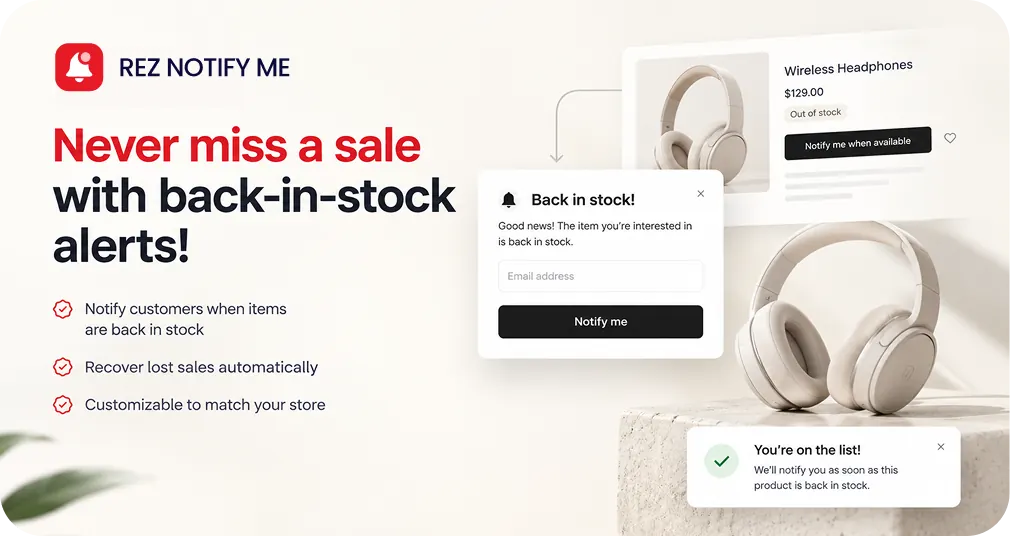
How does back in stock flow works?
1. Set up the “Notify Me” button
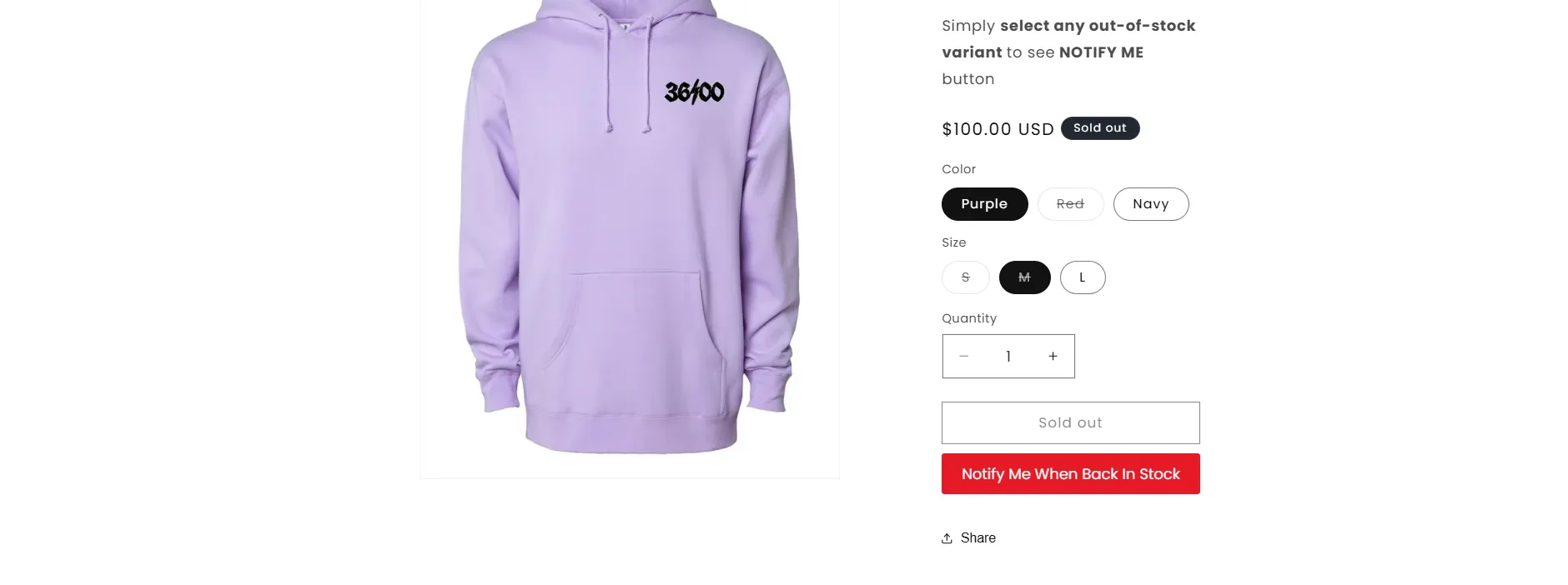
- When a product or variant is out of stock, the “Add to Cart” button changes to “Notify Me” (or similar text).
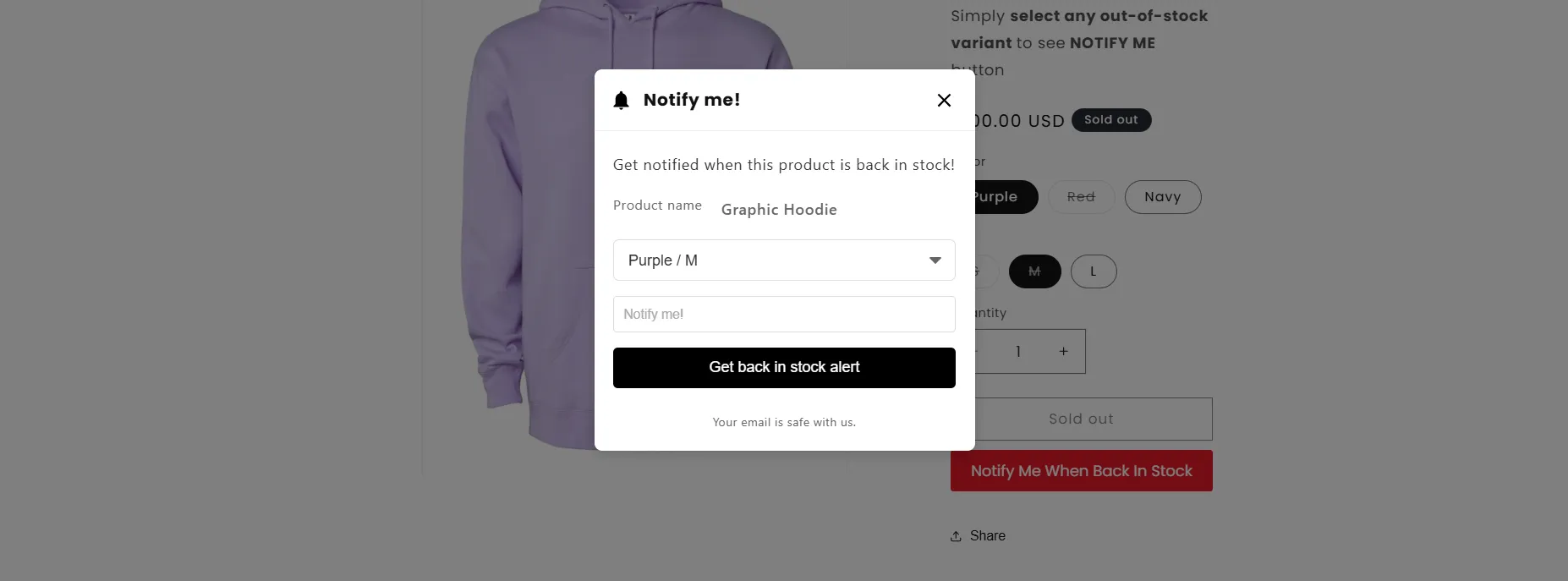
- Customers can click it to open a simple form to leave their email.
2. Collect customer requests
- Each submission is recorded in your dashboard/app backend.
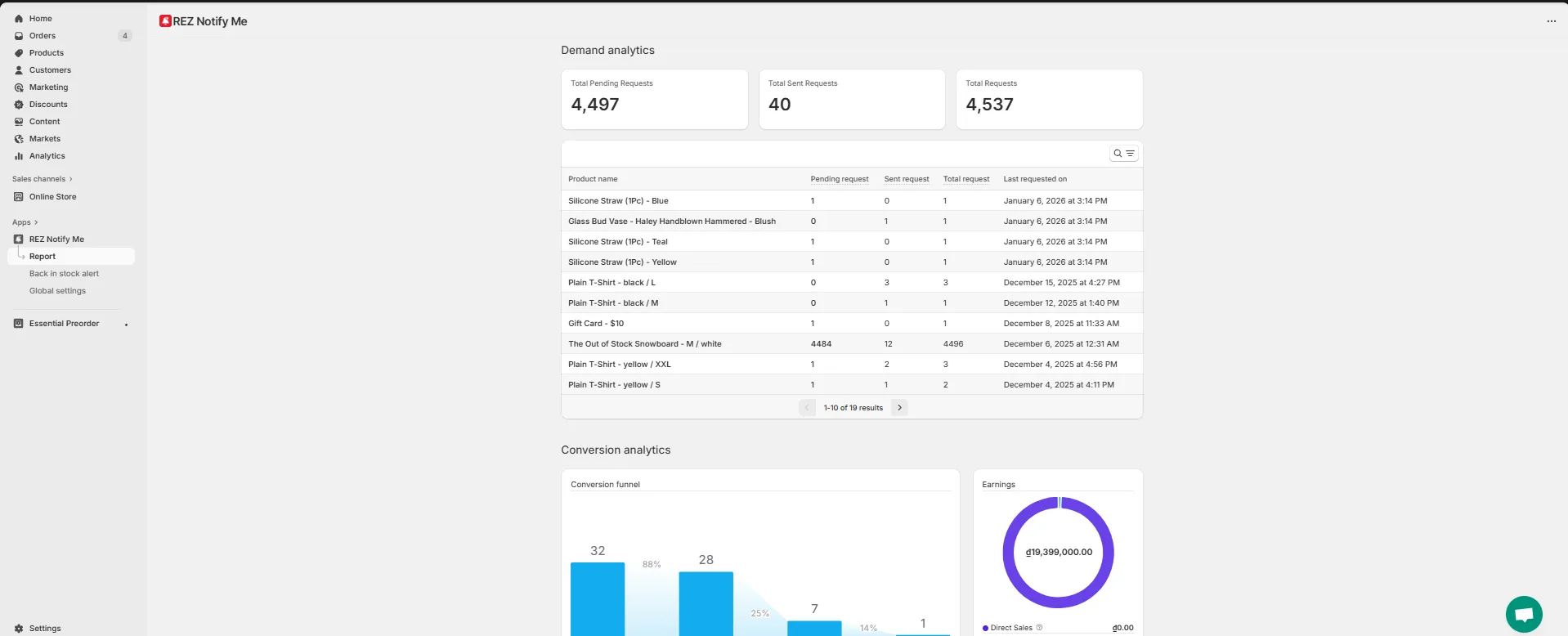
- You can see which products customers are waiting for and how many requests each one has.
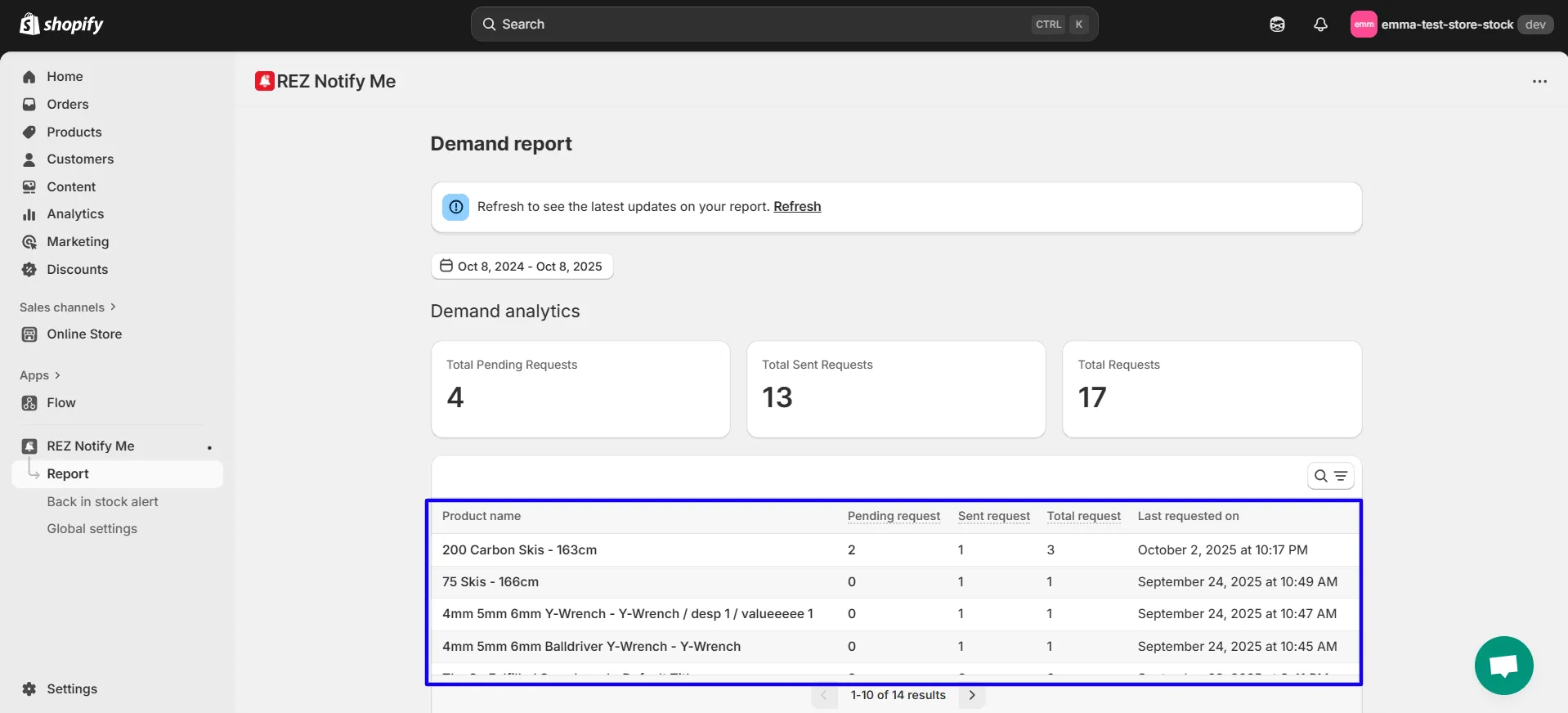
- This helps with inventory planning and reordering decisions.
3. Restock your product
- Once you update your inventory (via Shopify), the system automatically detects the stock change.
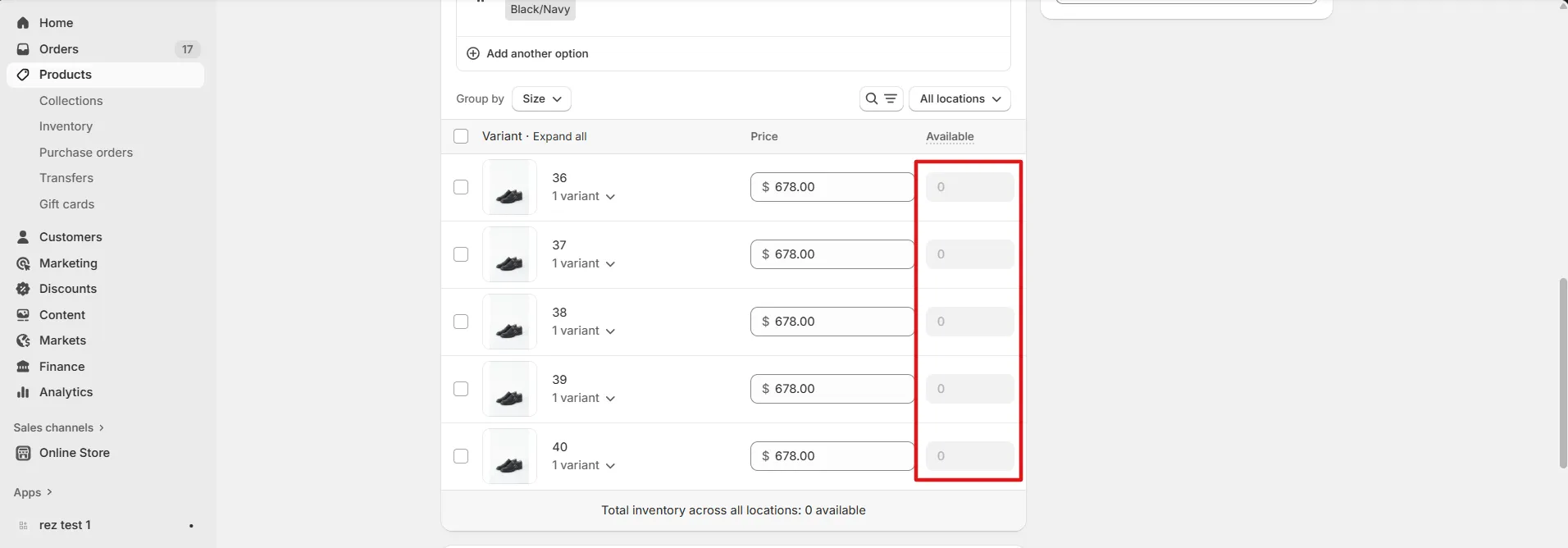
4. Send automatic notifications
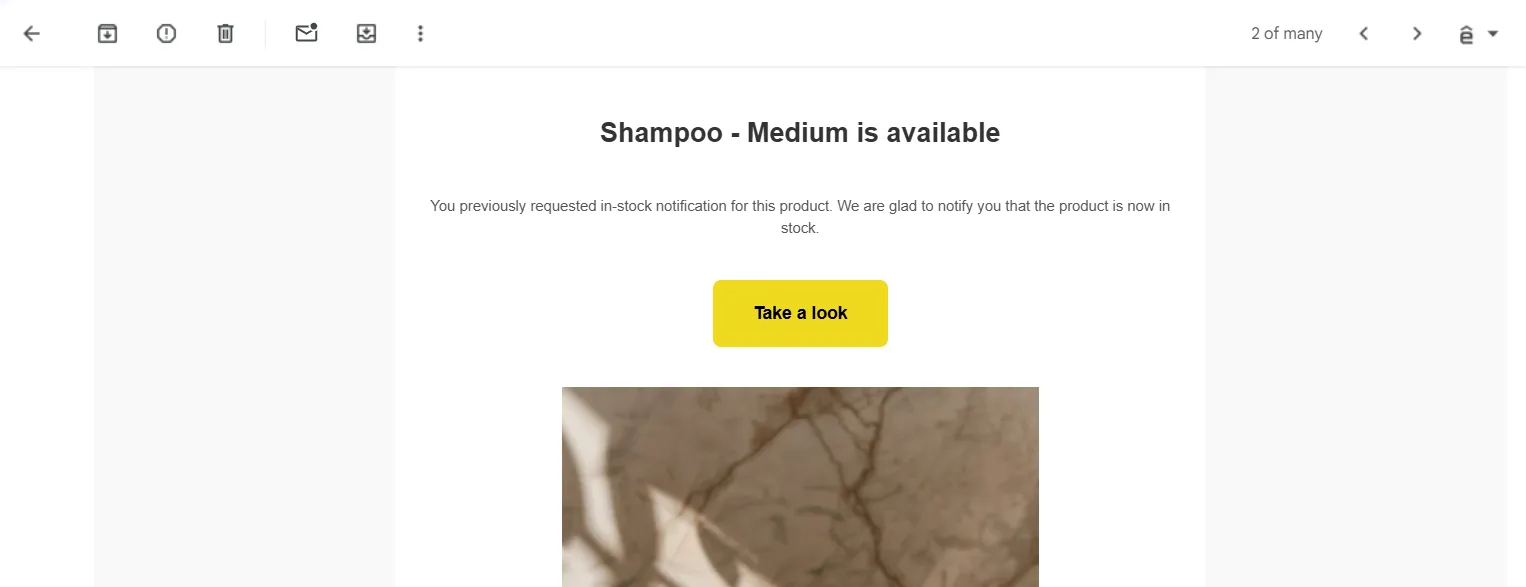
- When stock is available, the app automatically sends a Back in Stock email to all customers who signed up for that product.
- The message includes a direct link to the product page so they can purchase right away.
5. Track performance
- You can monitor:
- How many notifications were sent
- How many customers clicked back
- How many completed a purchase
- This helps measure the feature’s impact on recovered revenue.
Why It’s Useful
- Recover lost sales: Customers who signed up are already interested — they’re likely to buy when notified.
- Understand product demand: See which sold-out items are most requested.
- Improve customer experience: Shoppers don’t have to keep checking back manually.
- Automate follow-ups: Everything runs automatically once set up.
Related
How to make the app work on the online store? · How preorder campaigns work?