This workflow processes up to 100 fulfillment orders per run, so if you have hundreds of orders, simply let it repeat until all orders are released
Step 1: Install Shopify Flow
If you haven’t already, install the Shopify Flow app from the Shopify App Store.
Step 2: Create a New Workflow
- Open Shopify Flow.
- Click Create workflow.
- Our flow will look like this
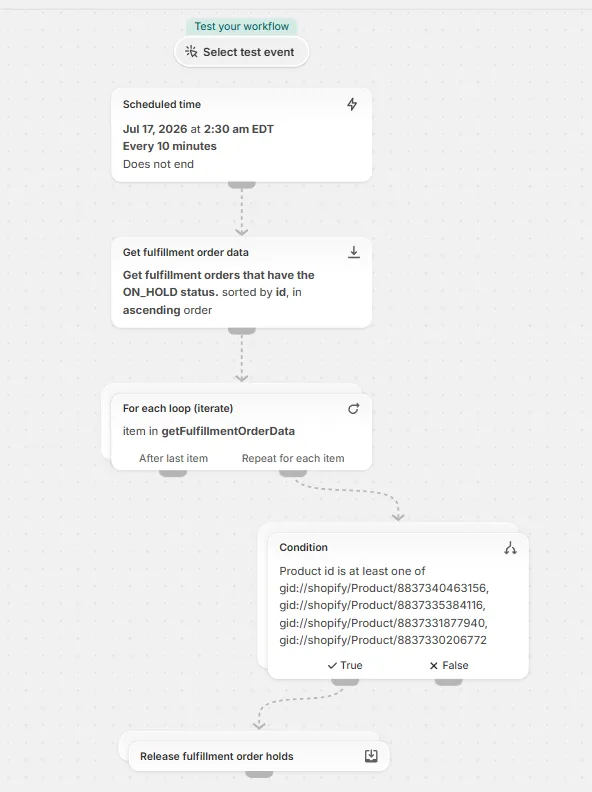
Step 3: Configure the Trigger
- Select the trigger:
- Flow → Scheduled time
- Set the first run for a few minutes in the future (to give yourself time to finish building the workflow).
- Set the workflow to repeat every 10 minutes (the minimum interval).
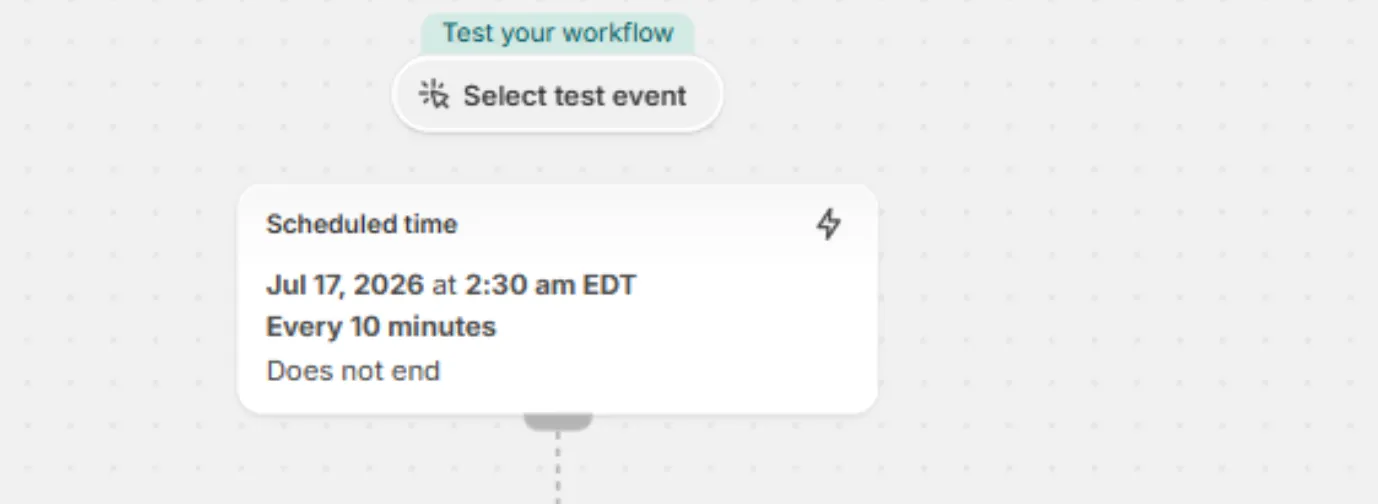
Why repeat every 10 minutes?
Shopify Flow can only retrieve up to 100 fulfillment orders per execution. Repeating the workflow allows it to gradually process all held orders.
Step 4: Get Held Fulfillment Orders
Add the action:
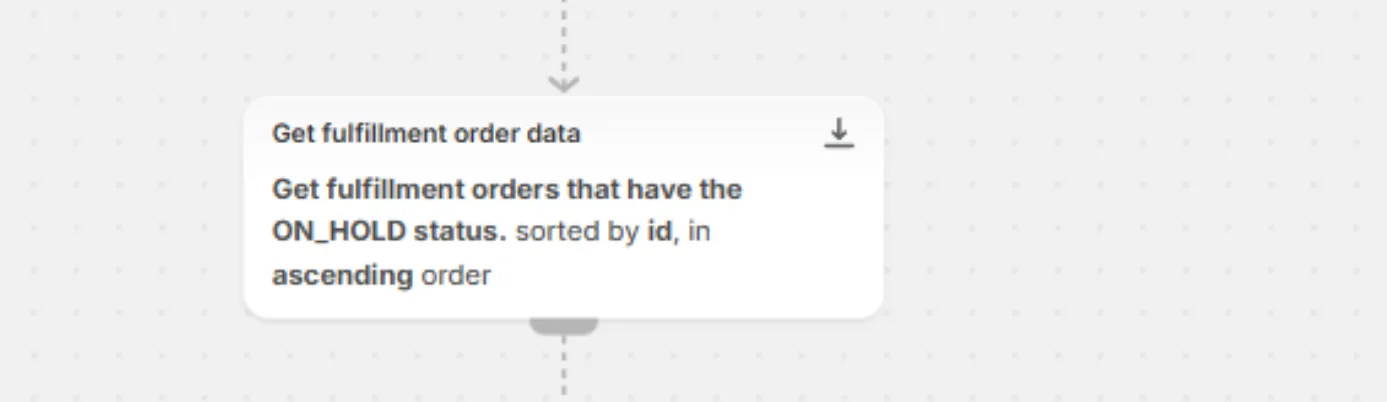
Shopify → Get fulfillment order data
Configure it as follows:
- Sort by: ID (Ascending)
- Maximum fulfillment orders: 100
- Query: Held fulfillment orders
Step 5: Loop Through the Orders
Add:
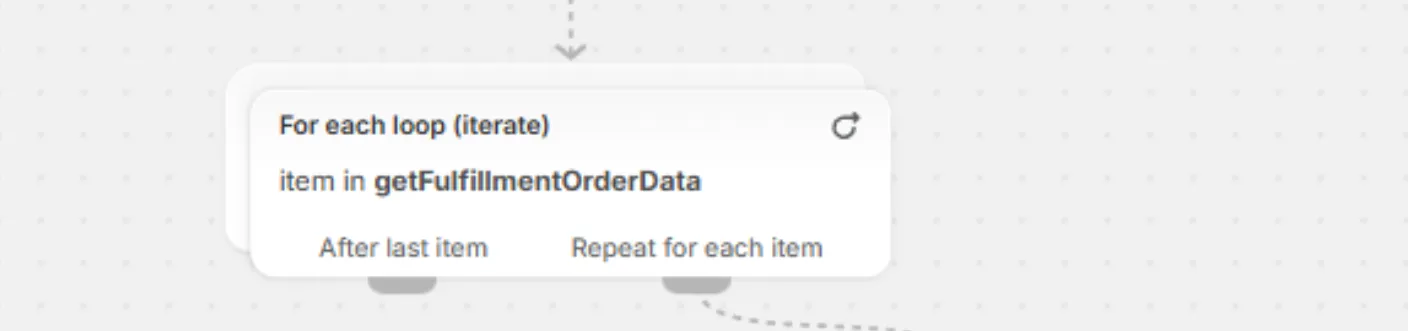
Flow → For each
- List: Returned data from Get fulfilment order data
This will process each fulfilment order individually.
Step 6: Filter for Your Preorder Product(s)
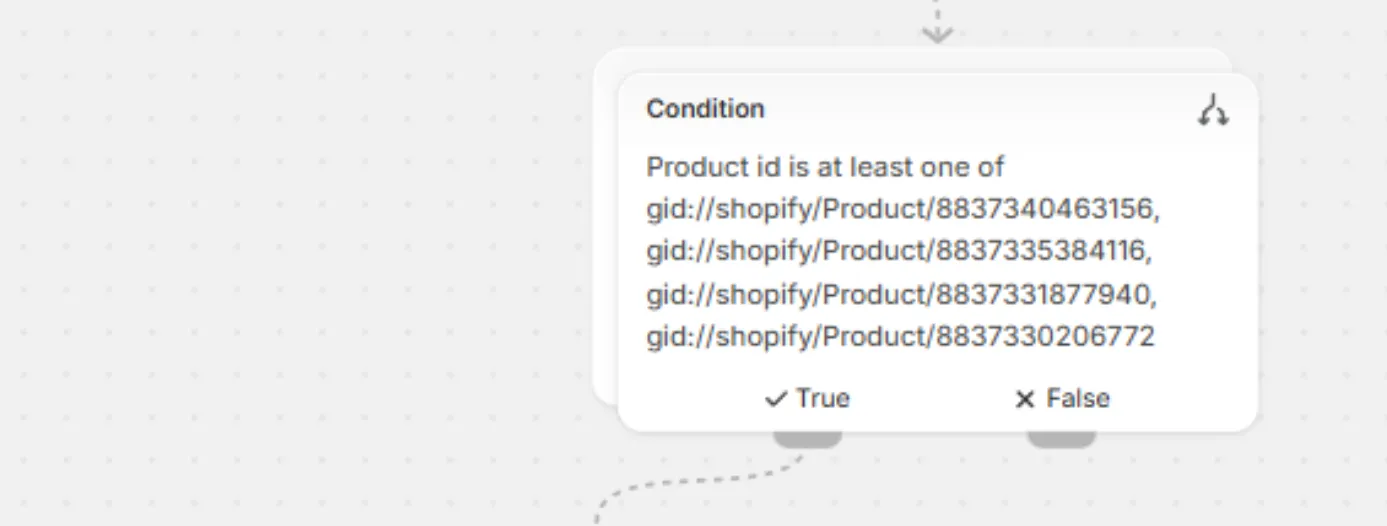
Inside the For each loop, add an If condition.
Check:
Fulfillment Order Item→ Line Items→ Line Item→ Product→ IDCondition:
- Product ID is at least one of
- Product ID 1
- Product ID 2
- Product ID 3
- (Add as many preorder product IDs as needed.)
This ensures only fulfillment orders containing your preorder products are released.
Step 7: Release the Hold
Inside the If condition, add:
Shopify → Release fulfillment order holds
This removes the fulfillment hold from matching orders.

Step 8: Run the Workflow
- Turn the workflow On.
- Let it run until all held orders have been processed.
- Turn the workflow Off once finished.
For example, a store with 400+ held preorder orders allowed the workflow to run for about one hour, automatically releasing all fulfillment holds without any manual work.
Notes & Limitations
- Shopify Flow processes up to 100 fulfillment orders per execution.
- Running the workflow every 10 minutes allows larger batches to be processed automatically.
- Filtering by Product ID ensures only the intended preorder products are affected.
- This is especially useful when inventory arrives and you need to release hundreds of held fulfillment orders at once.
Related
Managing partial payments in Shopify · Payment & App Compatibility with Preorder (using Selling Plan) · Automatically hold Preorder orders (Alternative to REZ Shippings)