If you’re not receiving test emails or restock notification emails, please check the following:
1. Check your Promotions / Spam folder
Sometimes notification emails are filtered by email providers.

What to do:
- Check your Spam, Promotions, or Other folders
- Try adding the sender email to your contacts / safe sender list
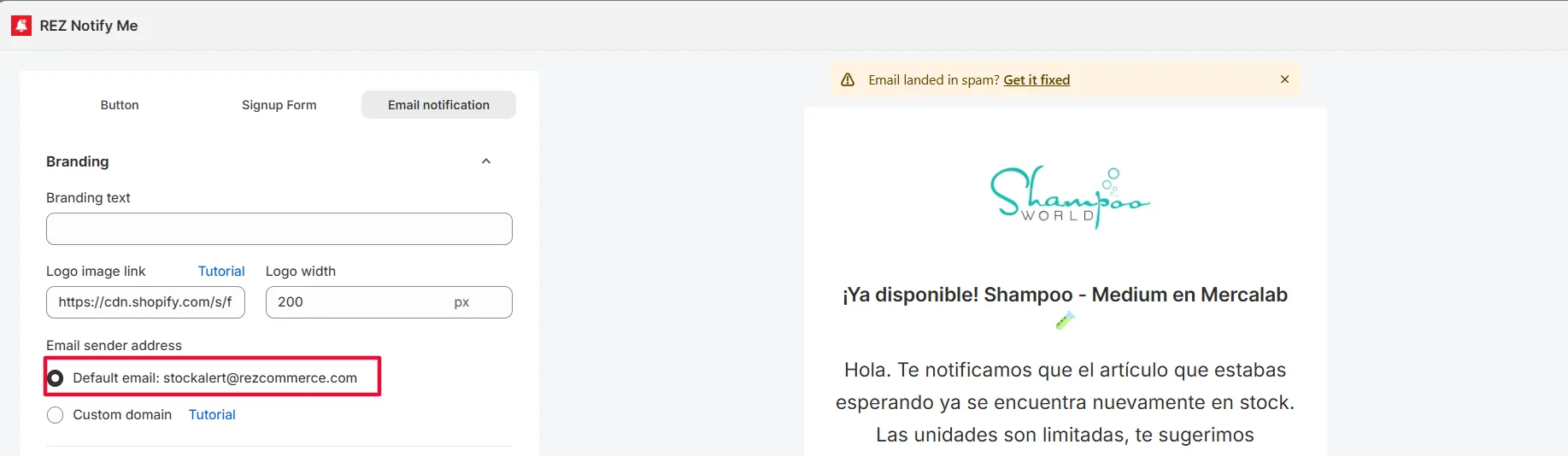
2. Make sure you’re not using a Gmail address as the sender
Gmail addresses (ending with @gmail.com) cannot be used as the sender email for restock notifications.
If you don’t have a custom domain email (e.g. [email protected]), you can choose option Default email: [email protected]
In that case, emails will be sent from our default email address.
3. Make sure DKIM verification is completed
If DKIM verification is not finished, emails may fail to send or be blocked by email providers. Some merchants skip this step, which causes test and restock emails not to be delivered.
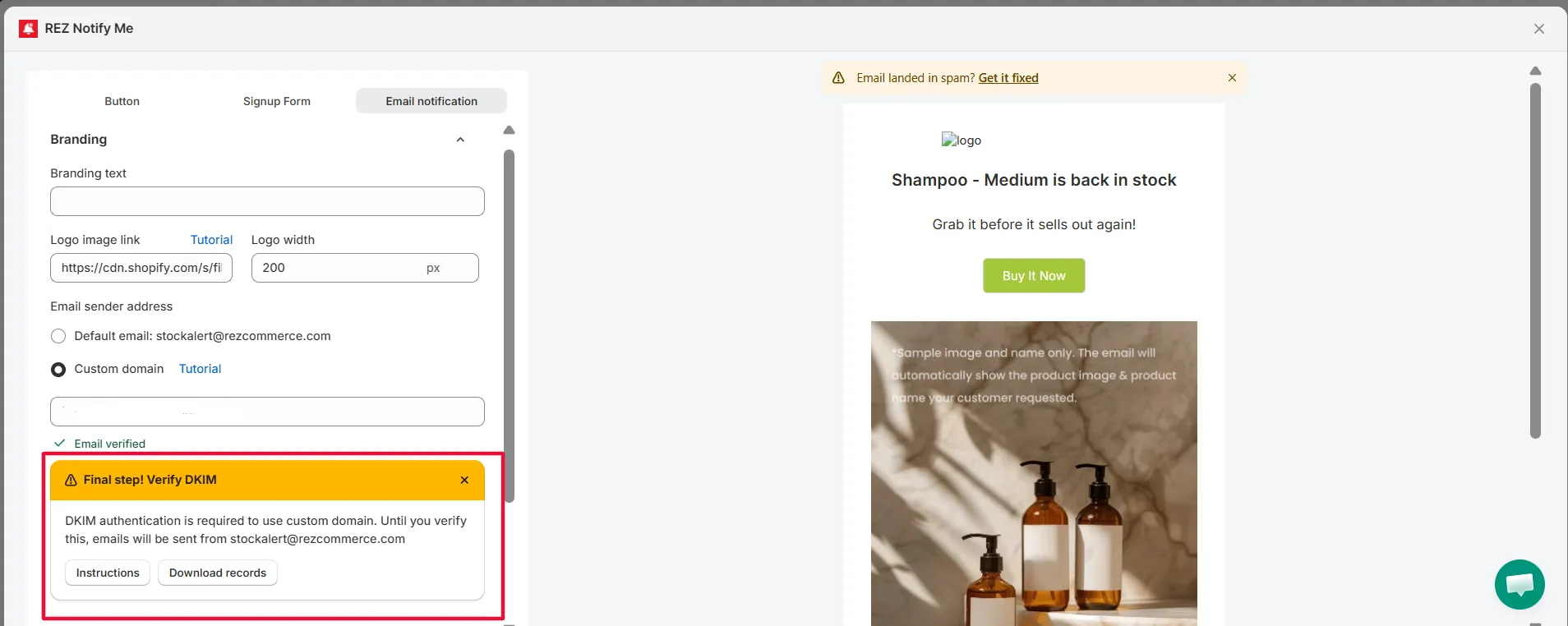
What to check:
- If you haven’t download the records in the warning banner, to add to your domain platform, then the process is not done yet.
👉 Please follow this guide to complete the DKIM verification
Related
Can’t See the “Preorder” Button? · Can’t Add Preorder to Cart? · Can’t See the “Back in Stock” Button?